Pickleball : Interactive Guide for Beginners

UI/UX . FRONT-END

PHOTOSHOP . ILLUSTRATOR . HTML/CSS . JS . GSAP ANIMATION

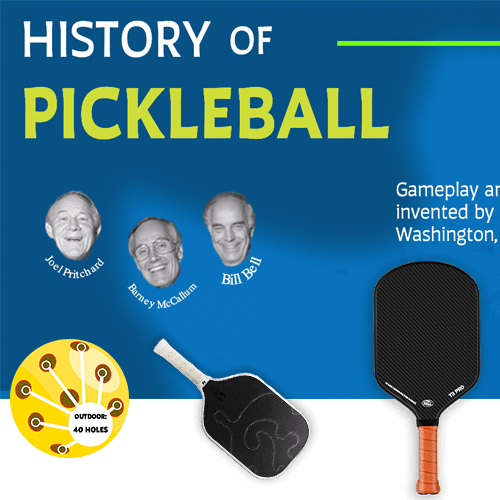
Pickleball is one of the fastest-growing sports, enjoyed by people of all ages. While its rules and gameplay are simple to learn, many newcomers are unfamiliar with court layouts, equipment, and strategies. This interactive infographic serves as an engaging educational tool, helping users understand the fundamentals of pickleball through interactive storytelling, animations, and dynamic elements.
About the Project

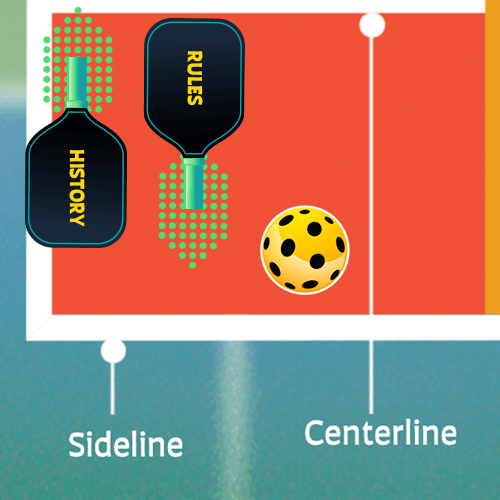
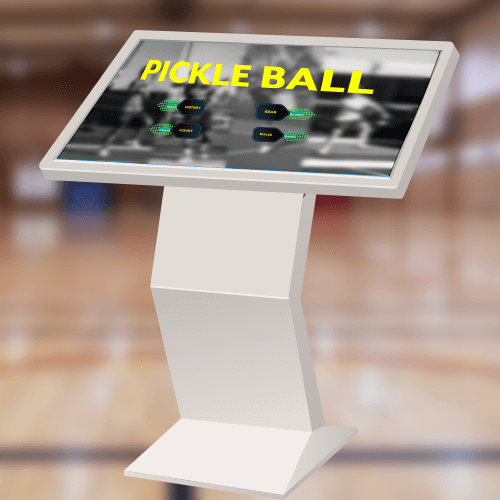
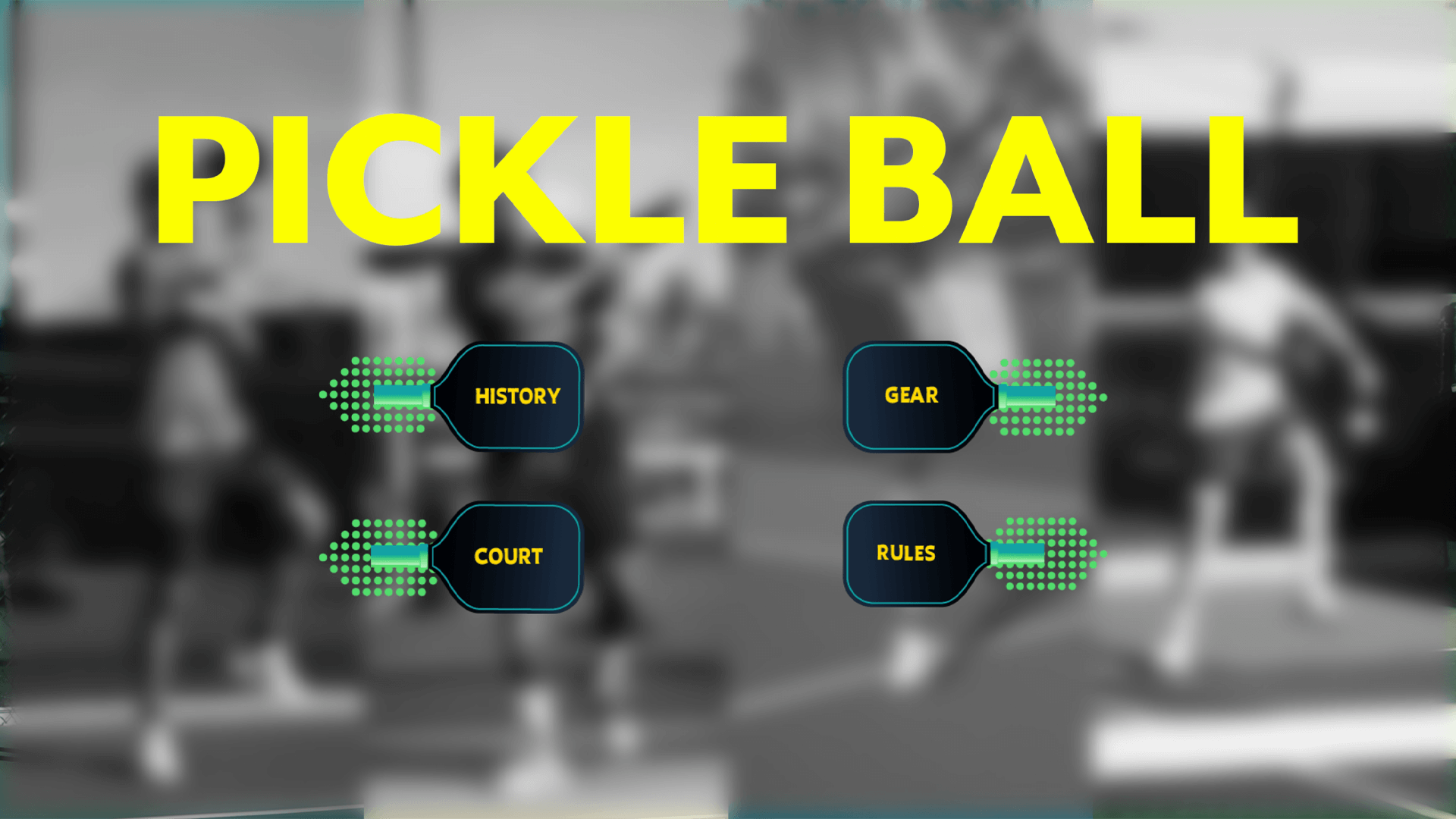
This interactive infographic was designed to educate users about pickleball in an engaging and visually compelling manner. By incorporating interactive elements, animations, and well-structured content, the project provides an immersive learning experience that simplifies the sport’s rules, court layout, and gameplay mechanics. This kiosk is intended to be placed in sports centers, recreational facilities, and community centers, helping newcomers and enthusiasts learn more about the game in an interactive way.
My role was : Designing the visual elements of the app, including layout, typography, color scheme, and overall aesthetic appeal.

Image 1

Objective

This project is designed to make learning about pickleball fun and accessible for users of all ages. Through interactive storytelling, engaging visuals, and dynamic animations, the infographic simplifies key concepts, encouraging curiosity and deeper understanding in a playful and educational way.

Challenges

  • Balancing educational content with interactive and gamified elements.
  • Balancing aesthetics with functionality for a diverse user base
  • Designing an intuitive interface to ensure seamless exploration of the infographic.

The Process

The project began with in-depth research on pickleball, its rules, court layout, and gameplay. Once the content was finalized, the structure of the interactive infographic was planned, ensuring a logical and seamless flow of information.

1. Content Organization : Dividing the infographic into sections for structured navigation. Ensuring a balance between text, visuals, and interactions for user engagement.

2. Visual Design & Asset Creation : Designing all assets in Adobe Illustrator for a consistent and high-quality visual style. Choosing a color scheme, typography, and iconography that align with the theme of sports and interactivity.

3. Development & Animation : Coding the project using HTML, CSS, and JavaScript. Implementing GSAP animations for smooth transitions, dynamic content reveals, and interactive effects.

4. Interactivity & User Experience : Adding click interactions to reveal information in an engaging way.

Deliverables

← Previous Project Home